Hey everyone, Nicole here! Back on Nicole Explains It All to share a new passion project that solves a huge pain point for me as both a developer and a project manager: making Scrum sprints less manual and more intelligent.
I’m thrilled to introduce the Scrum Sprint Runner—an AI-powered application designed specifically to streamline sprint management, from backlog creation to running the retrospective. Let’s dive into the two major ways I harnessed the power of Gemini to automate the hardest parts of my job.

1. Goodbye Writer’s Block: AI User Story Generation ✨
Creating detailed, well-formed user stories is critical, but it’s often a mental marathon. I built a feature that takes a high-level feature idea and, with one click, drafts the necessary stories for the backlog.
Here’s the developer secret: I use Gemini’s structured output feature to enforce quality. I prompt the model to generate 3-5 stories and ensure each one adheres to three key fields using a specific schema:
- Title
- Description: In the classic “As a [user], I want [action], so that [benefit]” format.
- Story Points: The AI even suggests an estimated point value (like 1, 2, 3, 5, or 8) based on complexity and effort.
The generated stories drop right into the Product Backlog column, ready for sprint planning.
2. PM Power: Board, Burndown, and Retrospectives
The app provides the essential tools for running a smooth sprint:
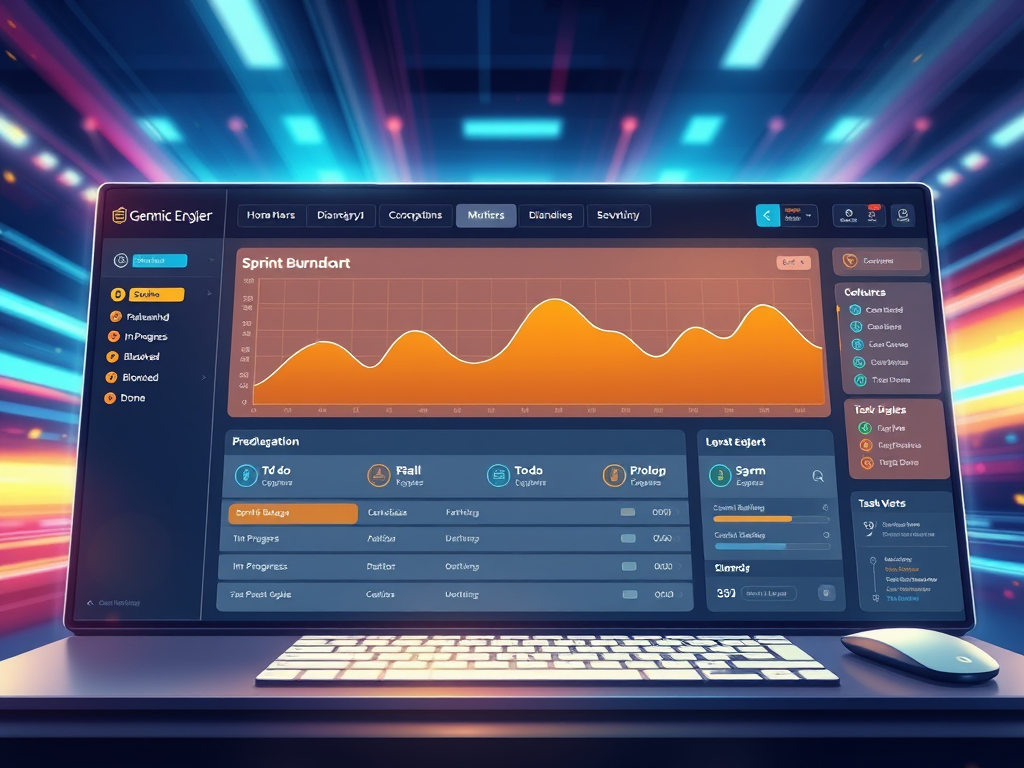
- Drag-and-Drop Board: Tasks (user stories) can be moved seamlessly between columns like Product Backlog, To Do, In Progress, Blocked, and Done using the familiar drag-and-drop interface powered by
react-dnd. - Burndown Chart: It features a Sprint Burndown chart built with Recharts to track the Remaining Work against the Ideal Burn based on the tasks currently in the sprint and their story points.
But the real game-changer is how it handles the Retrospective.
AI-Powered Retrospective Summary 🚀
Retros can often end with vague, unactionable feedback. By clicking Run Retrospective, I can enter the team’s feedback into two fields: “What went well?” and “What could be improved?”.
I prompt Gemini to act as an “expert project manager” to analyze the feedback and, most importantly, provide a concise summary followed by a bulleted list of 3-5 specific, actionable recommendations for the next sprint. No more wasting time on meeting minutes; you get immediate, clear action items!
3. Multimodal Task Analysis (The Ultimate PM Hack) 📎

This is my favorite use of AI. Ever stared at a task with an attached wireframe, mock-up, or document and wished you could instantly get a breakdown of the work required? Now you can.
When editing a task, you can upload any file attachment, and then hit the Analyze Attachments button. The app uses Gemini’s multimodal capabilities to analyze the content of the files.
The output is added right to the task description, offering a concise summary of the file’s content and a suggested project workflow or list of sub-tasks to get the work started.
By building the Scrum Sprint Runner, I’ve transformed my project management process from a series of manual inputs into a streamlined, AI-assisted workflow. It’s a huge time-saver and a fantastic example of what we can achieve when we integrate AI directly into our dev tools. I hope this inspires your next AI-powered app!




Leave a Reply