
Google I/O just wrapped up, and it’s safe to say this year marks the biggest shift in how we interact with AI since the launch of the Gemini app. We aren’t just talking about smarter chat responses anymore; we are moving into the era of true AI autonomy and multi-modal creation.

If you missed the keynote, don’t worry. Here is your breakdown of the massive upgrades rolling out right now that make Gemini faster, more visual, and ready to act as your 24/7 digital partner.
1. The Engine: Gemini 3.5 Flash is Now the Default
Under the hood of this entire update is Gemini 3.5 Flash, our next-generation lightweight model. Google has made it the default engine across the free Gemini app and Google Search’s AI Mode.
- The Speed: It delivers outputs up to four times faster than other frontier models.
- The Brains: Despite its speed, it actually outperforms previous “Pro” models on complex tasks like coding, multi-step tool handling, and financial reasoning. The app feels instantly snappier the moment you open it.
2. A Fresh New Coat of Paint: “Neural Expressive” Design

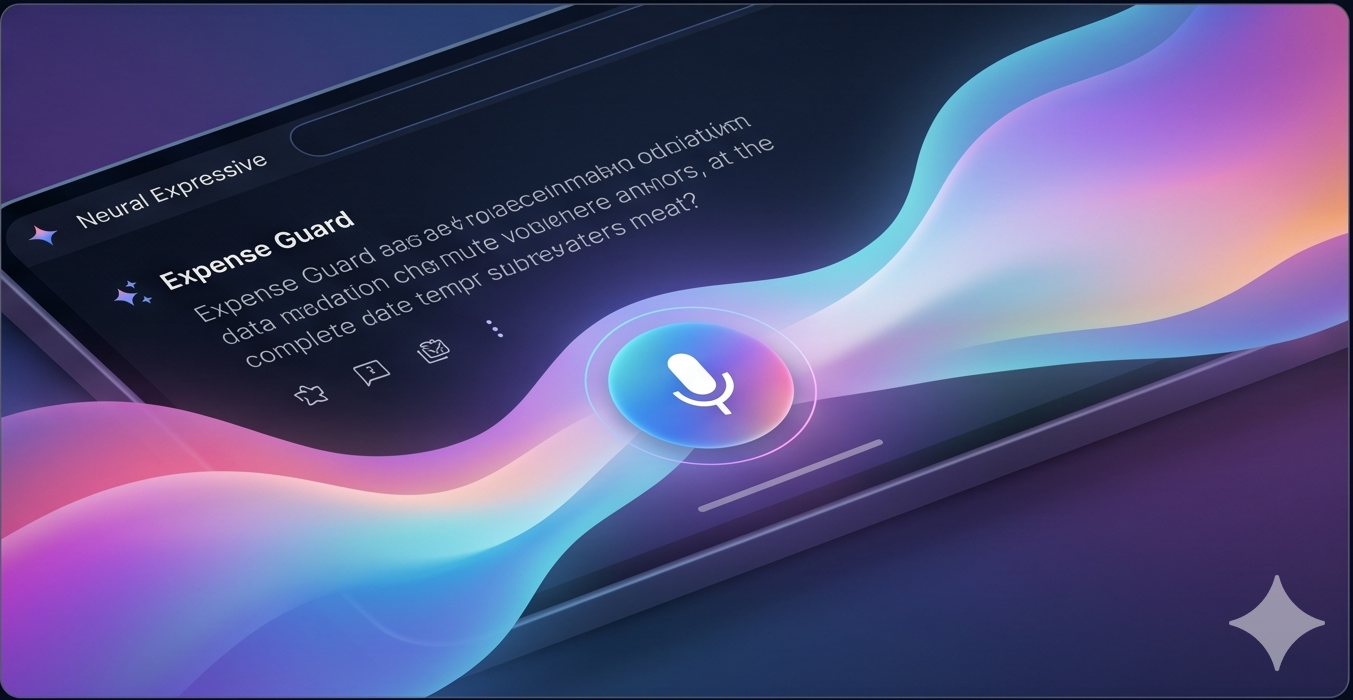
Say goodbye to walls of static text. Gemini has been redesigned from the ground up with a new design language called Neural Expressive.
When you ask a question, the interface comes alive with fluid animations, vibrant gradient accents, and subtle haptic feedback. More importantly, it dynamically layouts responses using interactive timelines, rich imagery, and dynamic graphics so you can absorb information visually.

Furthermore, Gemini Live is now built completely inline. You can tap the re-engineered microphone and seamlessly switch from typing a quick question to having a free-flowing, casual conversation without jumping screens.
3. Gemini Omni: Conversational Video Generation and Editing

One of the most mind-blowing reveals was Gemini Omni, a true “world model” that bridges the gap between text reasoning and physical world simulation.
Omni lets you combine text, images, audio, and video to generate high-quality, cohesive cinematic outputs. But the real magic is conversational editing. Instead of trying to type the perfect prompt to fix a video, you can literally talk to it like a video editor: “Take that metal sculpture in the background and turn it into bubbles, but keep the person walking past it exactly the same.” It understands real-world physics, gravity, and lighting, keeping characters and scenes consistent across frames.
Bonus for Creators: You can even use the avatar feature to drop your own visual reference and voice directly into generated clips. Omni Flash is rolling out now to YouTube Shorts, YouTube Create, and advanced Gemini subscribers.
4. Meet Your 24/7 Autonomous Agents: Spark and Daily Brief

We are moving beyond answering prompts and into taking action. Two new agentic features are changing the game:
| Feature | What It Does | Who Gets It |
| Daily Brief | An out-of-the-box morning agent. It works overnight to securely analyze your connected Gmail, Calendar, and Tasks to construct a concise, actionable morning digest. | Rolling out now to all Google AI subscribers (18+) in the U.S. |
| Gemini Spark | A 24/7 personal AI agent built on Google’s Antigravity framework. It runs continuously in the cloud—even when your phone or laptop is turned off—to automate complex, multi-step workflows. | Entering Beta for Google AI Ultra subscribers in the U.S. |
What can you actually do with Gemini Spark?
Because Spark operates continuously and utilizes the new Model Context Protocol (MCP) to connect with apps like Canva, OpenTable, Instacart, and Google Workspace, it handles heavy lifting in the background:
- Expense Guard: Automatically parse your monthly credit card statements to flag hidden subscription price hikes.
- School Liaison: Scan your inbox for updates from your kids’ school, extract deadlines, and sync a consolidated digest to a shared family document.
- Project Kickoff: Synthesize chaotic, messy notes across separate emails and group chats into a beautifully polished Google Doc, then draft the companion email to your team.
Note: For your security, Spark is designed to proactively pop up a confirmation prompt to get your explicit “OK” before sending an email or authorizing payments.
Looking Ahead
This summer, the roadmap is packed. Desktop users will see Gemini Spark integrated locally into a new macOS app, and we’ll see capabilities expand to letting you text or email your Spark agent directly.
The era of typing into a blank box and waiting for text is officially over. Gemini is now an active partner in your daily life.
Another great post about Google I/O: https://neilpatel.com/blog/google-io-2026/




Leave a Reply